A few years ago, I came up with the idea of an art display to illustrate my tech history through code. The idea was to take meaningful code snippets from my career and have them “paint” a canvas on which the logo of my solo business, Interstate 21, would emerge. Basically, I wanted a “The Matrix”-like effect: a wall of code that draws the business’s logo, since that code ultimately created the business itself.
But I didn’t know how to make that happen without spending dozens of hours editing images and code samples.
In late 2025, I decided to prompt AI to do that for me. I got something interesting and fairly close to what I had in mind, but it would not use my code snippets, just random ones instead. Both Gemini and ChatGPT failed in a similar fashion despite multiple attempts:
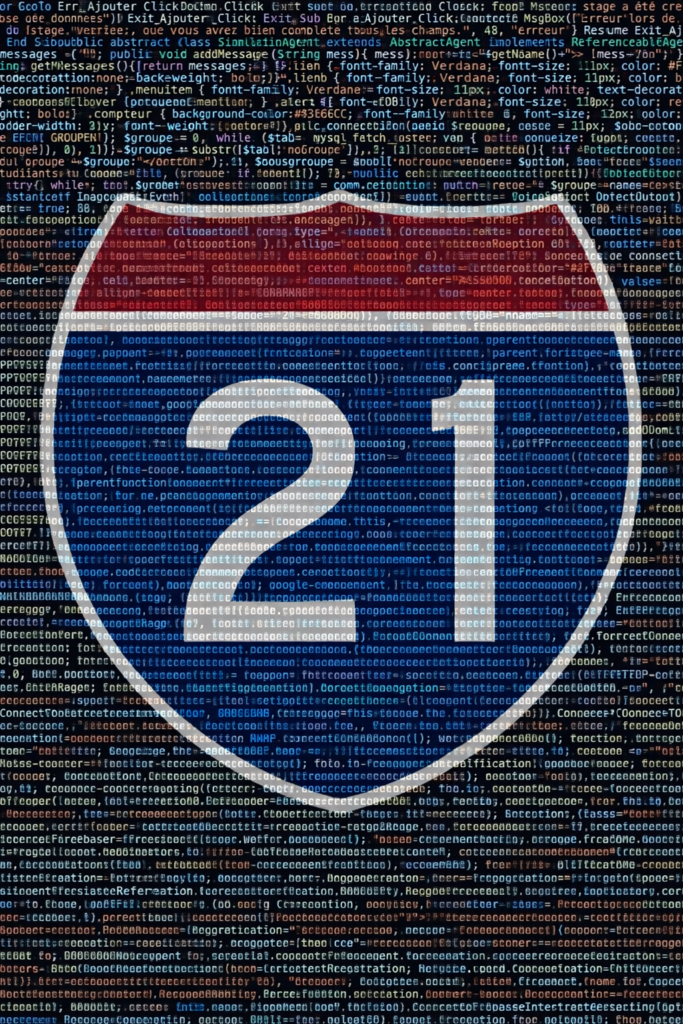
The rendering was cool, but the code wasn’t mine, so I decided to do it manually. There were still a few hurdles:
- The goal was to illustrate my entire career, which means there would be different programming languages, all with different syntax coloring rules. But I wanted consistent colors on my canvas.
- Whitespace, tabs, and end of lines. Code editors want to format code properly and won’t cut the lines the way I wanted for this project.
Should I use a code IDE or image editor software? I wasn’t sure what the best approach would be for pixel-perfect rendering. This is where AI gave me a breakthrough. I prompted Gemini Pro with:
I want to create an image that shows different pieces of code in different programming languages, all with syntax coloring, with possibly one line for each example / language. Which process would you recommend for me to achieve this?
And the answer I would never have thought about on my own:
I recommend using Shiki (the syntax highlighter used by VS Code) over Prism.js because it uses TextMate grammars, ensuring the colors match your IDE exactly.
- Scaffold an HTML Page: Create a simple container with a dark background.
- Integrate Shiki: Use the CDN version to render code strings into HTML tokens on the fly.
- Layout with CSS: Use
display: gridorflexto stack your one-liners vertically or artistically. - Export: Use Chrome DevTools →
Cmd+Shift+P→ “Capture node screenshot” (generates a high-DPI PNG of just the container).
Then Gemini created a skeleton page I could use. That was the breakthrough I needed. With some more AI-assistance, I was able to describe my snippets using an array of JavaScript objects that looked like this:
{
        lang: 'java',
        description: 'Java code from university (simulation agent)',
        code: 'public abstract class SimulationAgent extends AbstractAgent implements ReferenceableAgent{ String messages = ""; public void addMessage(String mess){ messages += "<"+getName()+"> "+mess+"/n"; } public String getMessages(){ return messages; } }'
}
All I had to do was add more entries, refresh the HTML page, capture a screenshot, and be done.
Well, I actually spent hours going through my college archives, extracting code from PDF reports, GitHub repos, or old zip files from hard drives from 20 years ago… I failed to recover some Turbo Pascal samples that probably live on a floppy disk somewhere. Yes, I started coding before USB thumb drives and cloud storage solutions were a thing…
I considered using a decompiler to reverse-engineer compiled code in some instances, but my point was to render code I had written myself, so I gave up on that idea.
I found pieces of Visual Basic, SQL, Java, PHP, JavaScript, Google Maps API, KML, TypeScript, OutSystems syntax, HTML, CSS, Angular template syntax, AngularJS template syntax, and more…
There is code from my first internship in college, my first bug fix in a high-stakes university project, my first job, my first freelance Google Maps project, my first AngularJS training, the Angular certification program…
It’s all there. My entire career, summarized in code snippets, is now hanging in my office, printed in a plexiglas frame:
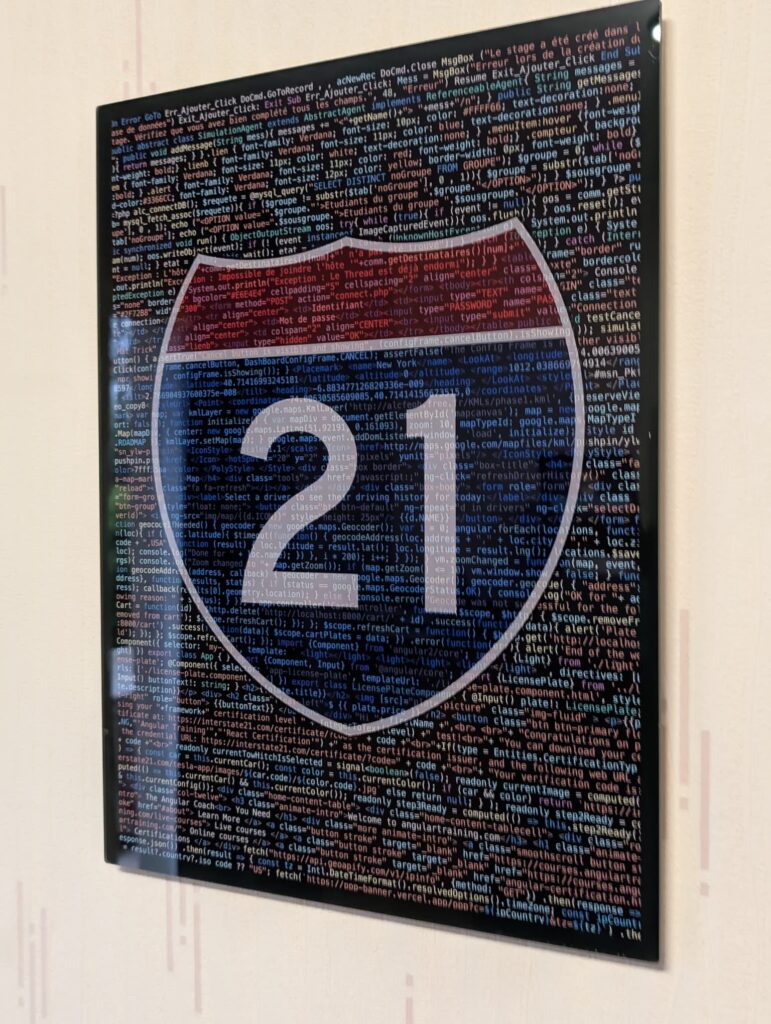
Once I had the right process, it was really fun to get to the end result. What’s satisfying is that I don’t think I could have gotten to that result alone, and AI couldn’t either. I had to collaborate with AI to make the project happen, which is really the name of the game these days: Using AI for inspiration and help to reach new horizons.